
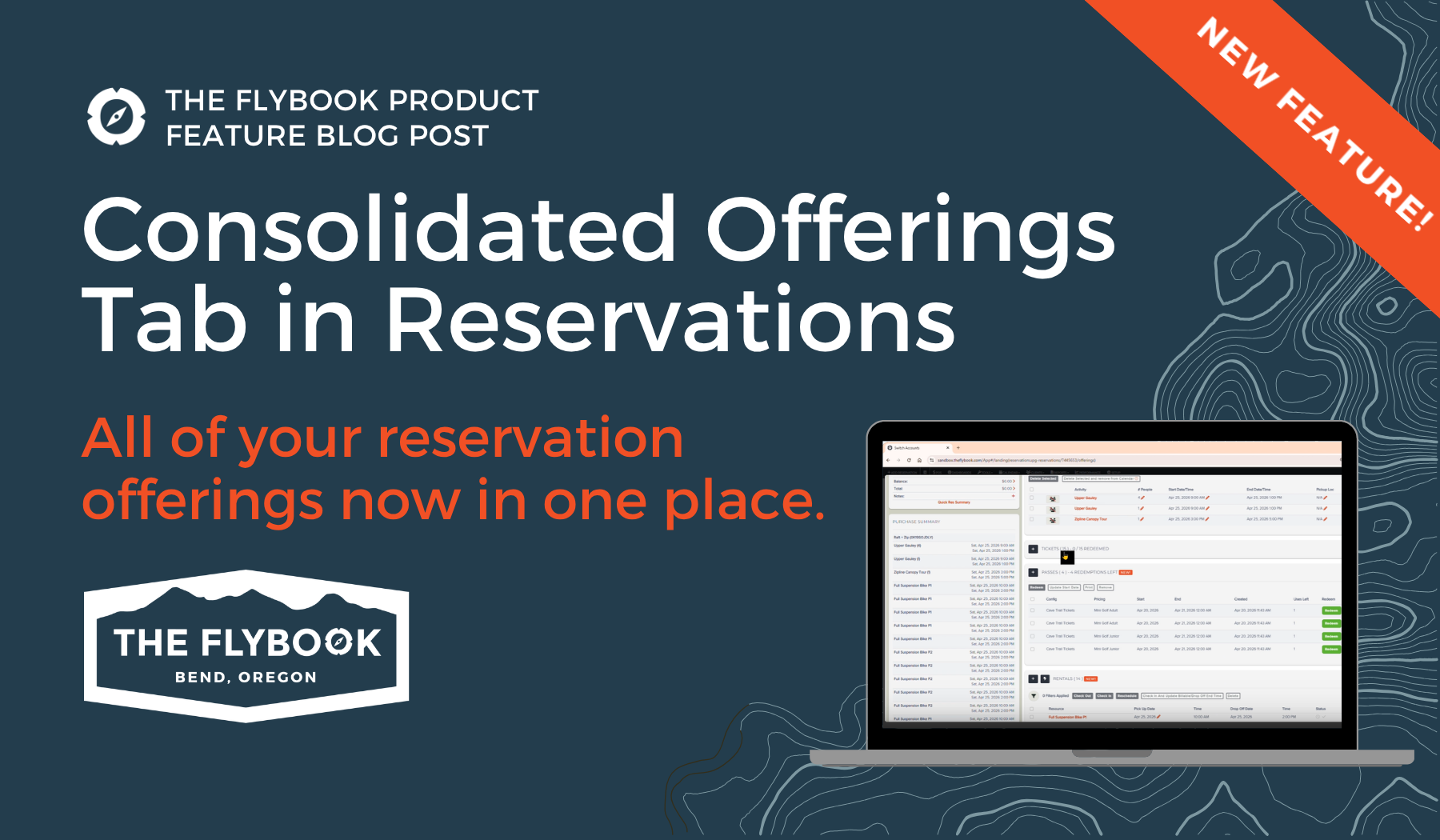
Your reservation shell is getting a new look, and it’s designed to make managing reservations easier, clearer, and more efficient.
We’ve introduced a Consolidated Offerings tab that brings all reservation-related offerings into a single, streamlined view. While things may look a little different, you’re not losing any functionality. Everything you already rely on is still here, just organized in a more intuitive way.
One Tab. Everything on the Reservation.
Previously, reservations were split across multiple tabs like Activities, Rentals, Tickets, Lodging, and more. Now, all of those live together under one Offerings tab.
Each configuration is still clearly broken out into its own section, so the experience remains familiar, but now you can see everything on the reservation in one place.
No more clicking back and forth between tabs. No more trying to remember whether something was an activity or a rental. It’s all right there.
If your account only uses a single configuration, like Activities or Tickets, you’ll only see that section. For simpler operations, the page stays simple. For more complex reservations, everything is visible in one consolidated view.
Built for Easier Navigation
To help you focus on what matters most, each offering section can be collapsed or expanded. This makes it easy to hide anything you don’t need to look at and zero in on the part of the reservation you’re working on.
This is especially helpful for larger group reservations with a lot going on - you can review everything without jumping between tabs.
Pagination for Large Reservations
For reservations with lots of items, we’ve added pagination to keep things readable and manageable.
Each offering type now displays up to 10 items at a time, with page controls that let you move through the rest. This reduces visual clutter without limiting what you can do.
Bulk actions still work exactly as they did before:
- Select multiple items at once
- Use Select All to quickly apply actions
- Perform bulk actions like redeem, delete or print across selected offerings
Even if you’re not seeing every item on the screen at the same time, all bulk operations still apply to the full set.
Adding Offerings Works Just Like it Always Has
You can continue adding items to a reservation the same way you always have.
Each offering section includes a plus button, which launches the familiar booking flow for that configuration. Availability selection, quantities, and workflows all remain unchanged.
In short: nothing you know is going away - everything is just presented together in a cleaner layout.
Everything, Truly in One Place
As you scroll through the Offerings tab, you’ll see every configuration on the reservation, including:
-
Activities
-
Tickets
-
Rentals
-
Passes
-
Products
- Packages & Bundles
-
Custom line items
If there’s something you don’t want to see, you can collapse that section and keep moving. The goal is full visibility without forcing you to look at everything all the time.
Why this Update Matters
The Consolidated Offerings tab is designed to reduce friction in one of the most frequently used parts of a reservation. By bringing everything into a single, organized view, it makes reservations easier to scan, easier to manage, and easier to understand, especially as they grow more complex.
This update removes unnecessary tab-switching while preserving the workflows you already know. It also creates a flexible foundation for continued improvements to filtering, navigation, and reservation management in the future.
This change will be rolling out soon. When it’s ready, you’ll see a clear in‑app notification with timing details so you know exactly what to expect, and won’t be caught off guard.
We’re excited for you to try it and hope it makes managing reservations just a little bit easier every day.

