
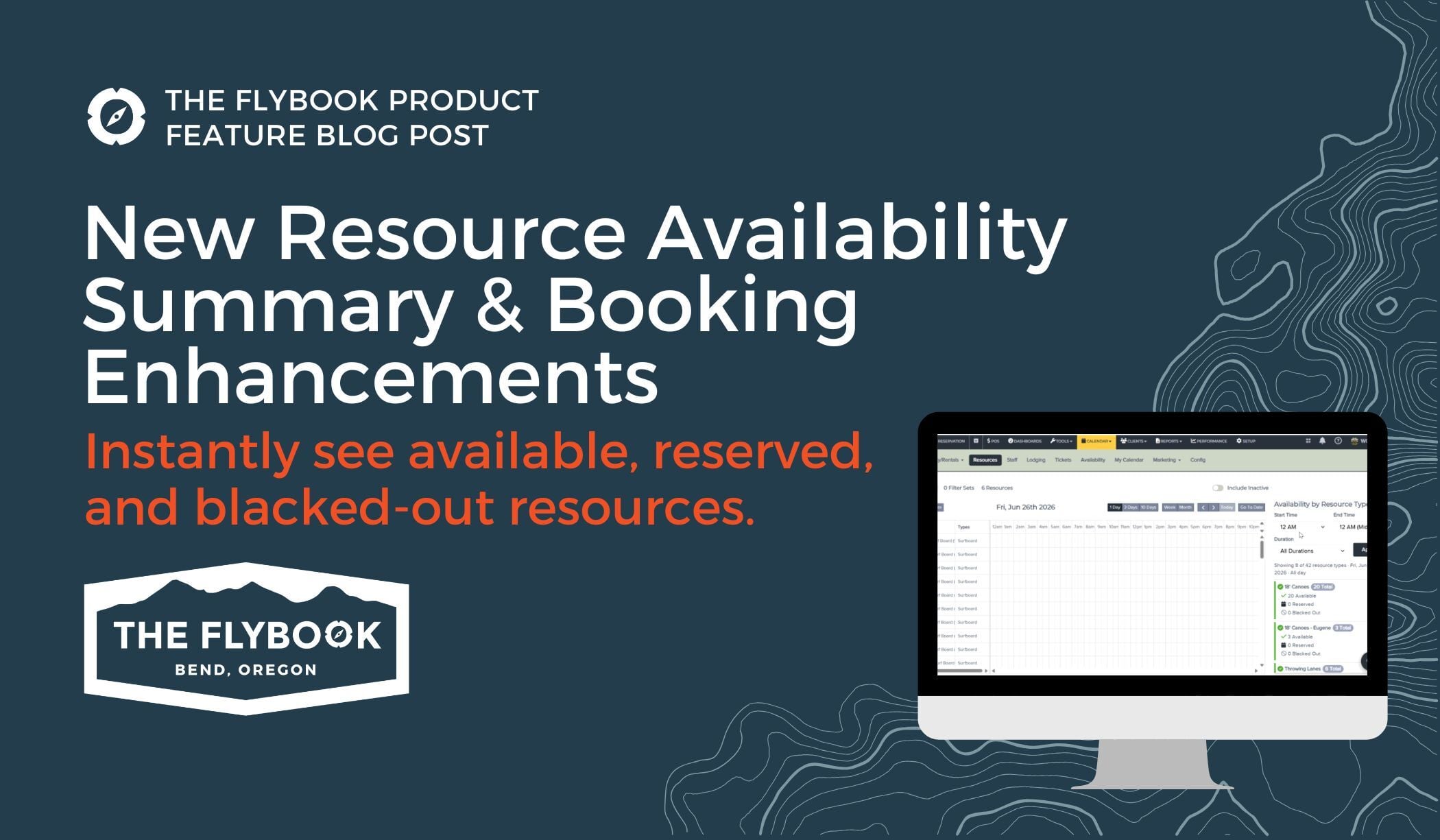
Managing resources just got easier. This update introduces a new way to view availability at a glance, along with several enhancements designed to make resource scheduling, booking, and management more efficient.
Instantly See Resource Availability by Type
We've added a new Resource Availability Summary to the one-day Resource Calendar view, making it easier to understand availability throughout the day.
Resources are now grouped by type and categorized as:
-
Available resources
-
Reserved resources
-
Blacked-out resources
Need a more specific view? Apply a time filter to see how availability changes throughout the day and quickly identify inventory constraints before they impact bookings.
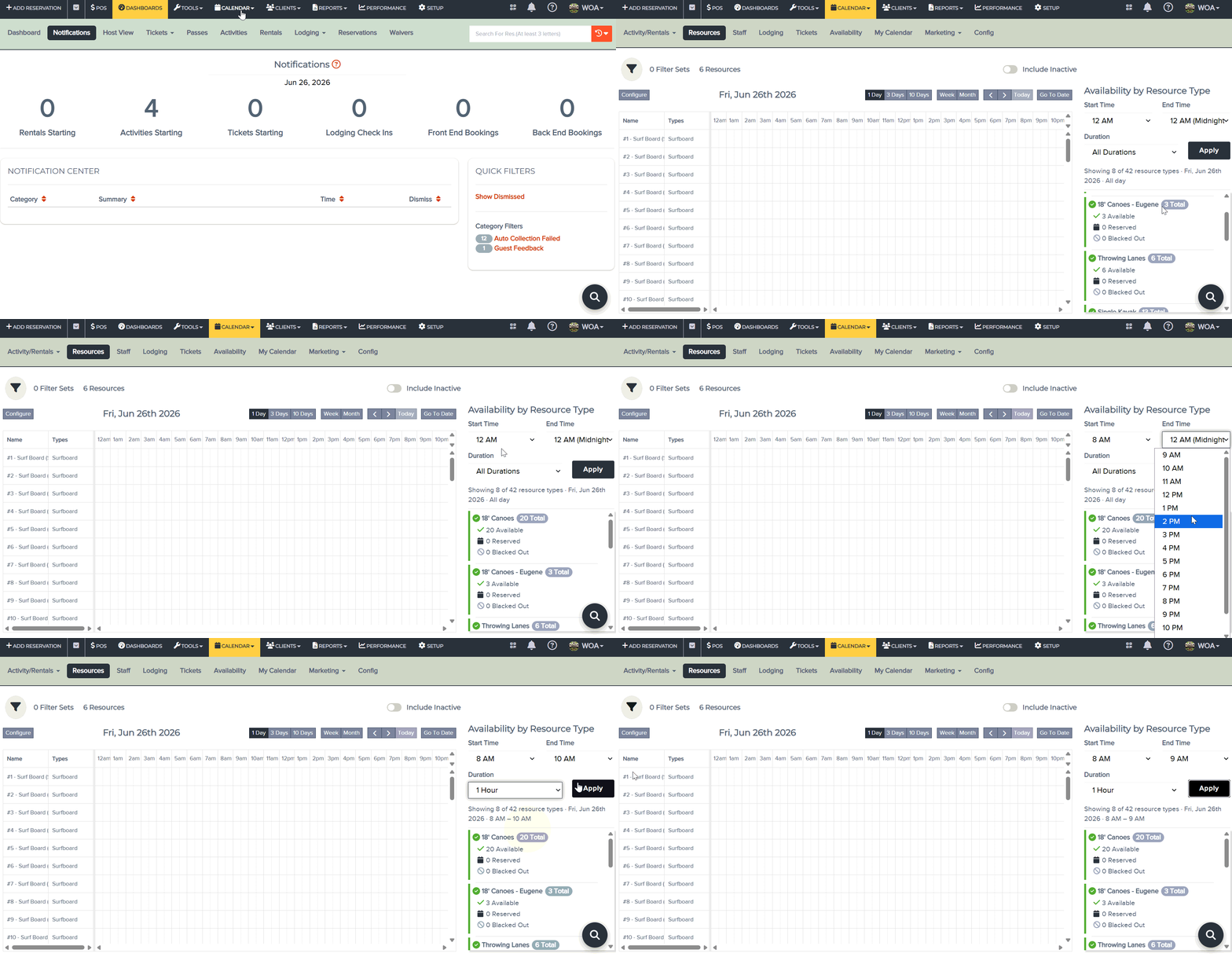
No more manually scanning individual resources to understand what's available. With a quick glance, you can identify capacity, spot scheduling conflicts, and make more informed booking decisions.
Why This Update Matters
Whether you're checking equipment availability for the afternoon or reviewing capacity during peak hours, the new summary puts the information you need front and center, saving time and reducing guesswork.
Improved Resource Auto-Assignment When Updating Reservations
We've improved how automatic resource assignment works when updating reservations.
Previously, increasing participant counts could sometimes require manual intervention when additional resources were needed. Resource validation now properly accounts for newly assigned resources, making reservation updates smoother and more reliable.
Add Multiple Rental Items in a Single Step
Booking rentals through the Quick Pick workflow is now much faster.
Instead of selecting rental items one at a time, you can now choose multiple available items in a single step. Flybook displays the total quantity available for the selected date and time and allows you to add up to that amount at once.
For reservations that include multiple rental items, this means fewer clicks and a faster booking experience.
Bringing It All Together
From better visibility into daily availability to faster rental booking and smoother reservation updates, these improvements are designed to simplify resource management across the board.
Whether you're managing equipment, rentals, or activity resources, you'll spend less time navigating the system and more time serving your guests.

